
A channel is somewhere your show is published. A show can have one or several, and each channel has its own feed, its own episodes and its own settings. There are two kinds.
Public channels
A public channel is your show as most people know it. It has one feed address that anyone can subscribe to, and it’s the address you submit to Apple Podcasts, Spotify and other directories.
Use a public channel when you want anyone to find and follow your show.
Private channels
A private channel is never listed anywhere. Only people you invite, or who sign up with your signup link, can listen. Each listener gets their own feed address, so you can remove one person’s access without affecting anyone else, and see who’s listening.
Use a private channel for paying members, supporters, a team, a class, or anyone else you choose. Listeners use their normal podcast app; they don’t need an account.
How the two compare
| Public channel | Private channel | |
|---|---|---|
| Who can listen | Anyone | Only people you invite or who sign up |
| Feed address | One for everyone | One per listener |
| Listed in Apple Podcasts and Spotify | Yes | Never |
| Listeners get an email for new episodes | No | Yes |
| Remove one person’s access | Not possible | Yes, from the Listeners tab |
How episodes reach your channels
When you publish an episode, you choose which channels get it. By default, new episodes go to every channel. You can untick a channel for a single episode, such as a bonus episode only your private listeners should hear. See Choose which channels get an episode.
Each channel also decides when it gets new episodes. A channel can release them as soon as you publish, after a delay, or at a set time of day. That’s how you give supporters every episode a week early. See Release episodes early to private listeners.
Where to find your channels
Click Channels in the left menu. Each channel has a card. Click its name to open it.
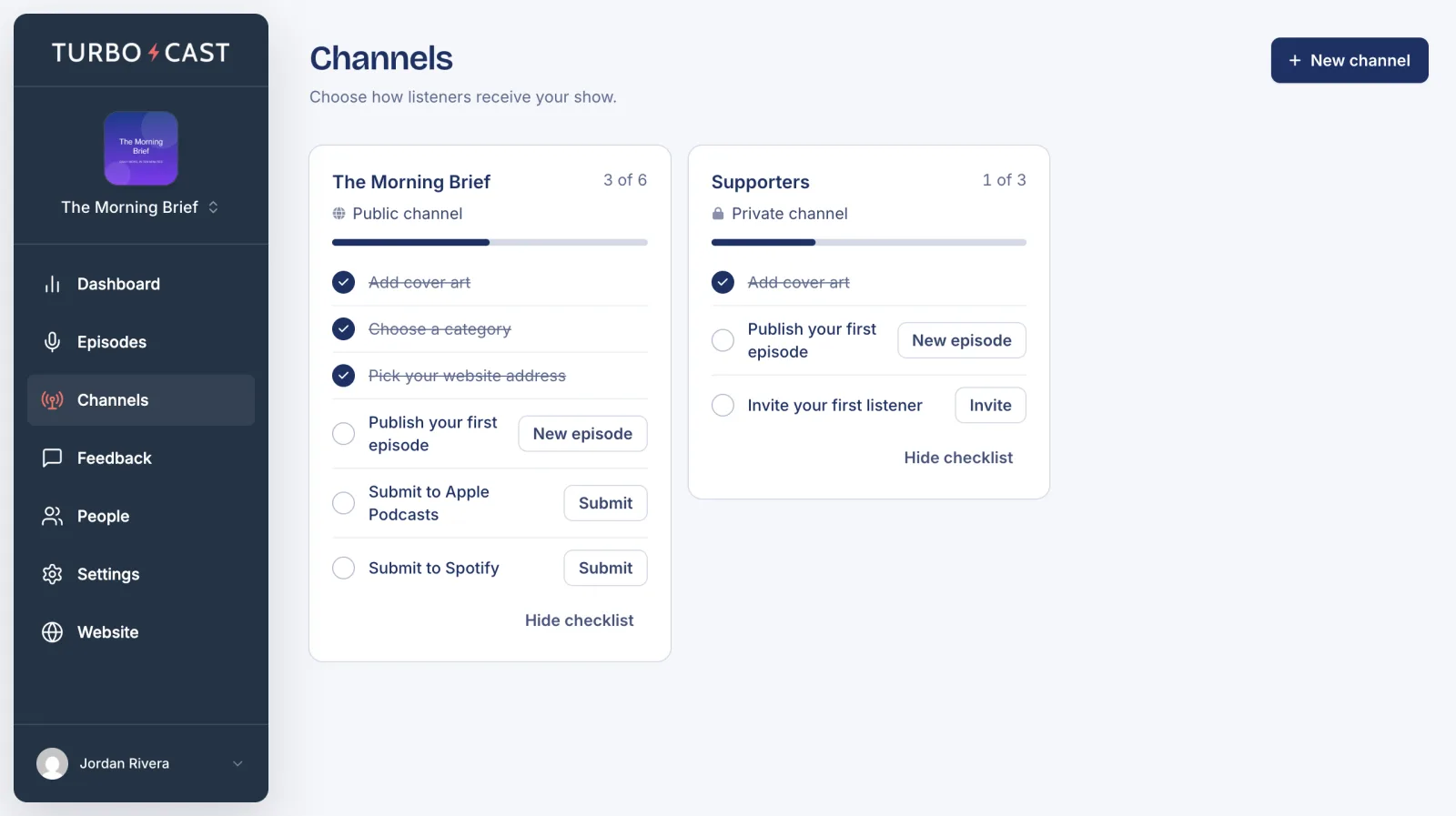
A channel’s page has four tabs:
- Overview: its setup checklist, downloads, and for a private channel, its signup link.
- Directories (public) or Listeners (private): how people find it or get in.
- Episodes: which episodes are on the channel and when each one releases.
- Settings: its name, artwork, details and release timing.