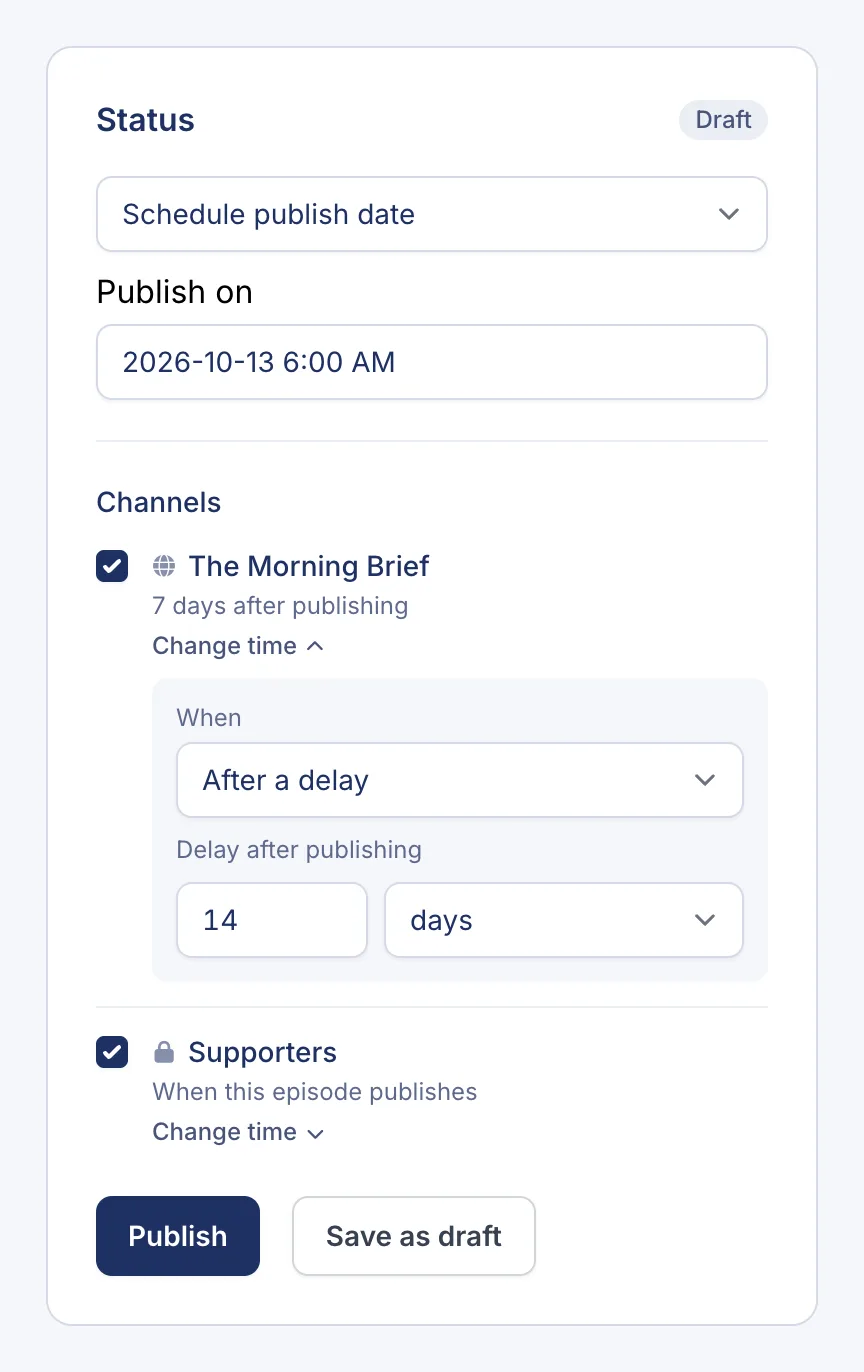
Each channel decides when it gets new episodes. That’s how early access works: your private channel gets each episode when you publish it, and your public channel gets it a few days later.
The three release timings
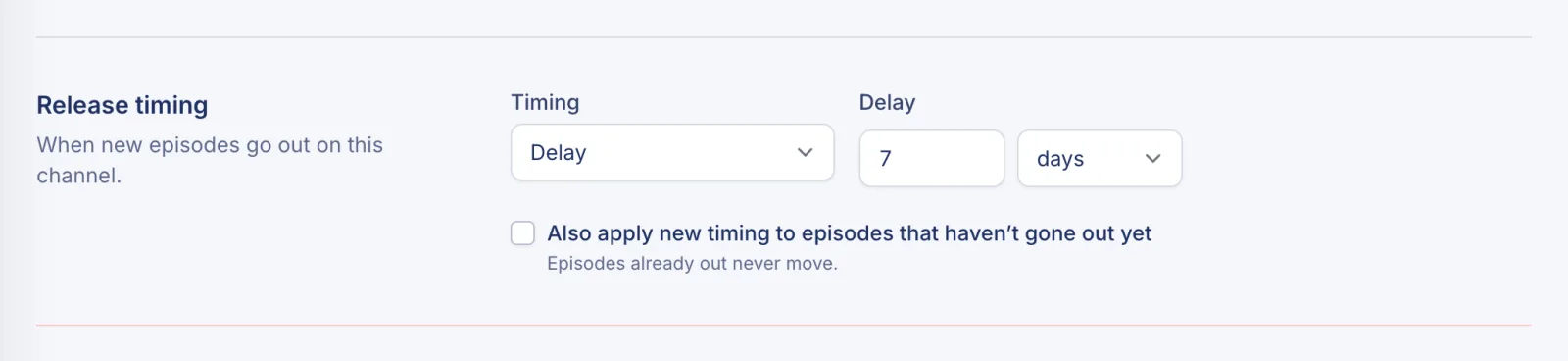
Every channel has a Release timing:
- At publish: the channel gets each episode as soon as it’s published. This is the default.
- Delay: the channel gets each episode a set time after it’s published, such as 7 days.
- Local time: the channel gets each episode at the next set time of day in your show’s time zone, such as 6:00 AM.
Set up early access
Say supporters should hear every episode a week before everyone else:
- Click Channels and open your public channel.
- Go to its Settings tab and find Release timing.
- Set Timing to Delay, then set the delay to 7 days.
- To move episodes that are already scheduled, tick Also apply new timing to episodes that haven’t gone out yet.
- Click Save changes.
Leave your private channel on At publish.
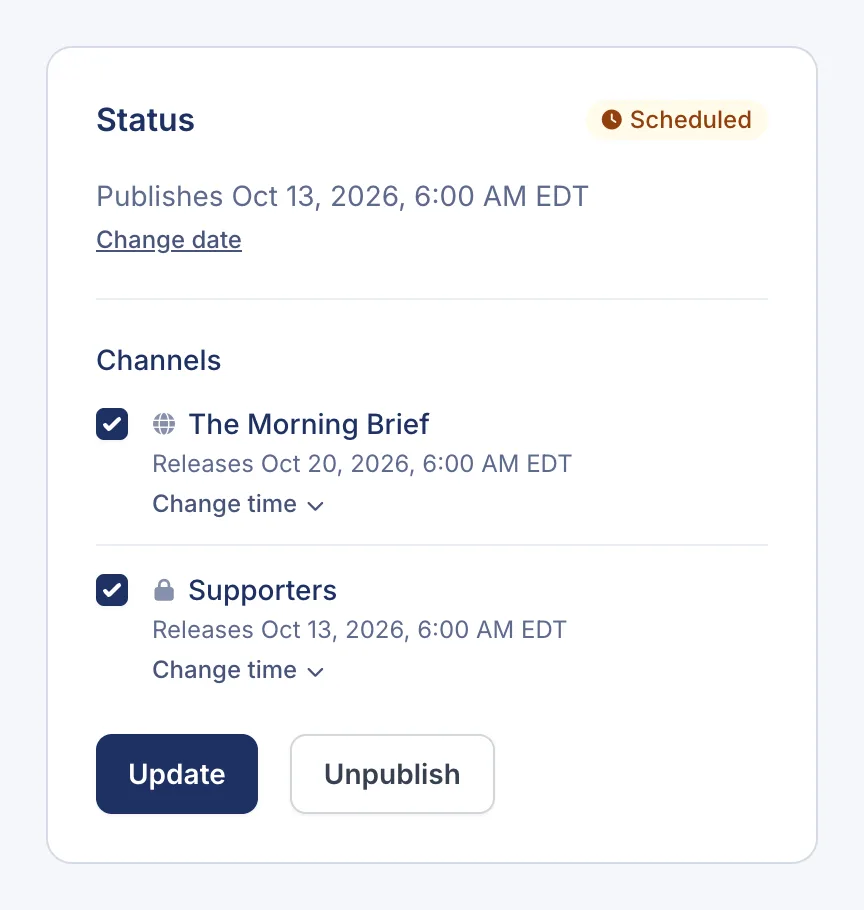
From now on, each episode you publish goes to supporters straight away and to everyone else a week later. The episode’s Status panel shows both times.
Change the timing for one episode
Under a channel in the episode’s Status panel, click Change time and choose When:
- Channel default: use the channel’s release timing.
- When this episode publishes: release it straight away on this channel.
- After a delay: release it a set time after publishing.
- At a time of day: release it at the next set time of day.